
When choosing a video editing monitor, don’t overlook color calibration, refresh rates, and viewing angles. These factors guarantee your visuals stay consistent and accurate across different screens, reducing guesswork and rework. Higher refresh rates give smoother playback and lessen eye strain, while good calibration maintains color accuracy over time. Resolutions and size matter but secondary to these core features. Keep these essentials in mind, and you’ll produce more professional results — there’s more to discover if you stick around.

Get movie nights delivered free with Prime
- Fast, free delivery on millions of items
- Prime Video, Amazon Music and more included
- Member-only deals all year
Key Takeaways
- Accurate color calibration is crucial for consistent, professional-looking video output across different screens and over time.
- Higher refresh rates improve editing smoothness, reduce eye strain, and help you see fine details in fast-moving footage.
- Wide color gamut support (DCI-P3, Adobe RGB) ensures true-to-life colors matching your workflow needs.
- Good viewing angles prevent color and contrast distortions, maintaining visual accuracy from various positions.
- Regular calibration and hardware tools are essential to prevent color drift and sustain long-term editing precision.
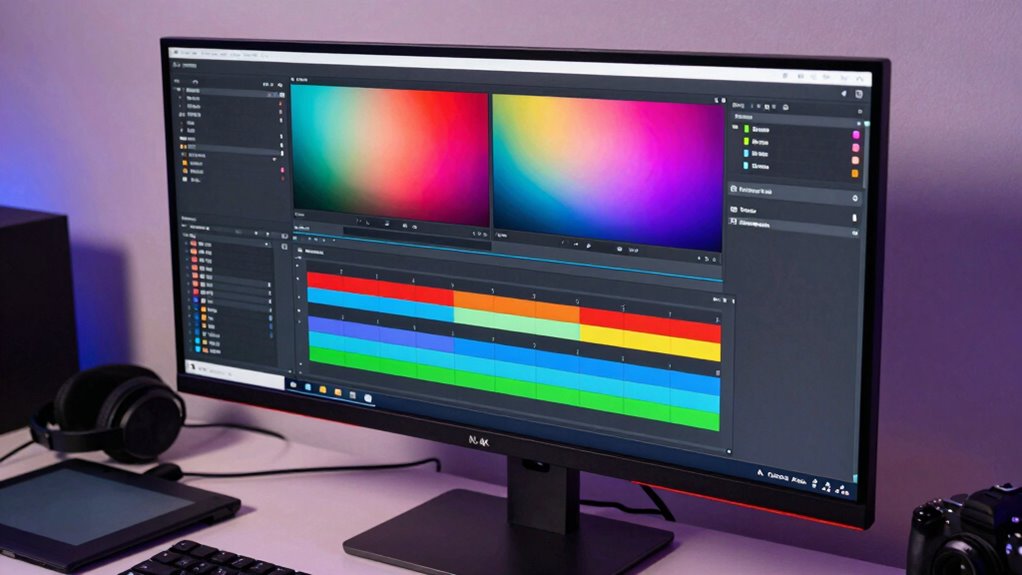
Choosing the right monitor can make all the difference in your content creation process, especially when editing videos. Many creators focus on resolution and size, but don’t overlook critical features like color calibration and refresh rate. These elements directly impact your ability to produce accurate, high-quality content and can save you from headaches down the line. When you work on videos, color calibration ensures that what you see on your screen matches the final output, whether it’s for YouTube, social media, or professional clients. If your monitor isn’t properly calibrated, you risk making color adjustments that look good on your screen but appear off elsewhere. Investing in a monitor with good color calibration capabilities means you can trust the visuals you’re editing, which streamlines your workflow and reduces guesswork.
Proper color calibration ensures your edits look consistent across all screens and final outputs.
Refresh rate is another often-overlooked factor that can influence your editing experience. While it’s more critical in gaming, a higher refresh rate—say, 75Hz or 120Hz—can make your editing smoother, especially when you’re panning across timelines or working with high frame rate footage. A monitor with a fast refresh rate reduces motion blur and jitter, making it easier to see fine details in your footage. This is particularly helpful when you’re making precise cuts or color corrections, as it gives you a more fluid and responsive editing environment. Many content creators don’t realize that a monitor with a low refresh rate can cause eye strain or make it harder to see subtle changes, leading to fatigue over long editing sessions. Additionally, monitor responsiveness can affect how well your interface reacts to quick movements, further enhancing your editing experience. Understanding how color gamut impacts your workflow can help ensure your final product accurately reflects your creative vision. When selecting a monitor, considering viewing angles is also crucial, as it ensures consistent color and contrast from different positions, which is vital during long editing sessions. Furthermore, a monitor with good hardware calibration support can help maintain color accuracy over time, reducing the need for frequent manual adjustments.
Beyond these technical specs, you should also consider how the monitor’s color gamut matches your workflow. A wider color gamut, like DCI-P3 or Adobe RGB, allows for more accurate color representation, which is essential if you’re doing professional-grade editing. Pairing this with a monitor that supports hardware calibration tools can keep your colors consistent over time. Remember, it’s not just about the initial setup—your monitor’s calibration may drift, so periodic adjustments are necessary to maintain accuracy. Also, don’t forget about other factors like contrast ratio and viewing angles, which impact how you see your footage from different positions. Additionally, researching color calibration tools and techniques can further enhance your editing precision.
In the end, choosing a monitor for video editing isn’t just about size or resolution. Prioritizing color calibration and refresh rate can greatly improve your editing precision, reduce eye strain, and ensure your final videos look as intended across all screens. It’s a small investment in the right hardware that pays off through smoother workflows and better results, helping you create content that truly stands out.
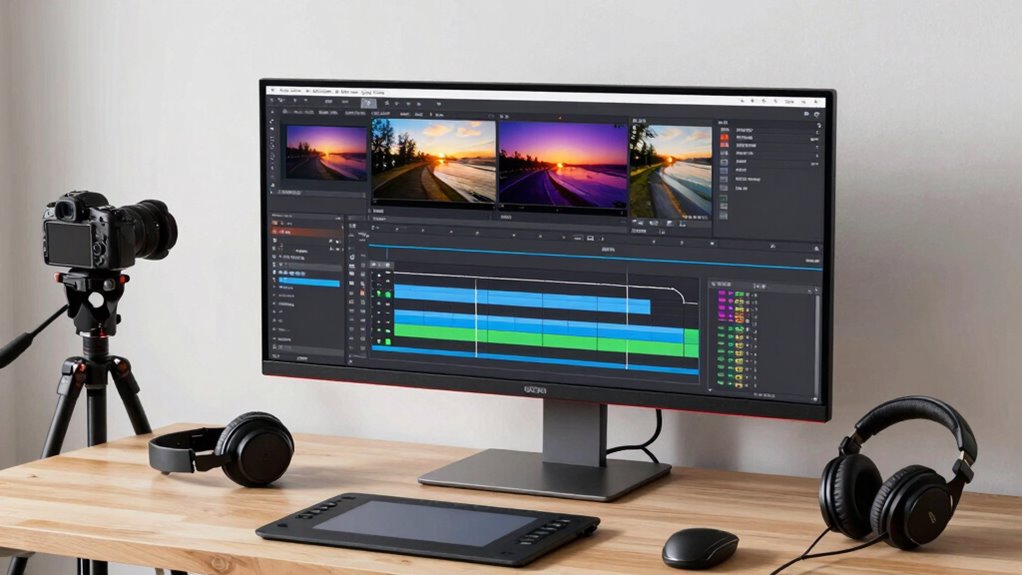
professional video editing monitor with color calibration
As an affiliate, we earn on qualifying purchases.
As an affiliate, we earn on qualifying purchases.
Frequently Asked Questions
How Do I Calibrate My Monitor for Accurate Color Grading?
To calibrate your monitor for accurate color grading, start by using reliable calibration tools like a colorimeter or spectrophotometer. Follow the device instructions to adjust your monitor’s brightness, contrast, and color settings until the software indicates the best color accuracy. Regularly recalibrate to maintain consistent color performance, especially if your workspace lighting changes. This process guarantees your colors stay true, making your content look professional and consistent across screens.
What Is the Ideal Screen Size for Video Editing?
Think of your monitor as the window to your creativity—ideally, go for a 27-inch screen for a perfect balance between detail and workspace. A larger size allows for better color accuracy and easier multitasking, especially with high screen resolutions like 4K. This size helps you see intricate details clearly, making your edits more precise. Ultimately, selecting a 27-inch display guarantees you get the clarity and accuracy needed for professional-quality videos.
Should I Prioritize Refresh Rate Over Resolution?
You should prioritize resolution over refresh rate for detailed editing, but don’t ignore refresh rate entirely. A higher refresh rate enhances screen ergonomics and reduces eye strain during long editing sessions. However, color accuracy is vital for true-to-life visuals, so choose a monitor that balances both. Ultimately, aim for a display that offers good resolution, a smooth refresh rate, and excellent color fidelity to optimize your editing workflow.
How Important Are HDR Capabilities in Editing Monitors?
HDR capabilities are quite important in editing monitors because they enhance your workflow with better color accuracy and realism. HDR benefits include a wider color range and increased contrast, making your videos look more vibrant and true-to-life. If you’re editing high-quality content, investing in a monitor with good HDR support helps you see how your final project will appear across different devices, ensuring consistent, professional results.
What Connectivity Options Are Essential for Professional Editing?
Think of your editing monitor as a bridge connecting your creative world to reality. You need reliable connectivity options like USB-C, HDMI, and DisplayPort to transfer high-quality footage seamlessly. These options guarantee your color accuracy remains true across devices, allowing you to work efficiently without interruptions. Prioritizing these connections helps you maintain smooth workflows, giving you confidence that your edits will look perfect on every screen.
high refresh rate monitor for video editing
As an affiliate, we earn on qualifying purchases.
As an affiliate, we earn on qualifying purchases.
Conclusion
Choosing the right video editing monitor is like finding the perfect pair of glasses—you see your work clearly, exactly as it should be. It’s not just about size or resolution, but about creating a seamless window into your creativity. When you pick wisely, you’re not just editing; you’re painting with light and color. Trust your eye, invest in quality, and let your monitor be the lens through which your vision comes to life.
monitor with wide color gamut support
As an affiliate, we earn on qualifying purchases.
As an affiliate, we earn on qualifying purchases.
calibrated computer monitor for content creators
As an affiliate, we earn on qualifying purchases.
As an affiliate, we earn on qualifying purchases.
Halloween Picks
halloween
As an affiliate, we earn on qualifying purchases.