
TL;DR

Get movie nights delivered free with Prime
- Fast, free delivery on millions of items
- Prime Video, Amazon Music and more included
- Member-only deals all year
Vale.Rocks’ report examines how DVD menus developed from a practical upgrade over VHS into carefully designed, sometimes elaborate parts of home video releases. It explains how display formats and DVD’s limited interactive technology shaped the menus, and highlights Disney’s FastPlay as a recognizable example.
Vale.Rocks has published a report on the design and technology of DVD menus, tracing how publishers turned a basic navigation feature into a distinctive part of home video releases. The piece explains why menus often kept important buttons inside a 4:3 safe area, even as widescreen televisions became common, and how DVD’s limited interactive tools supported surprisingly varied designs.
The report places the rise of elaborate menus after the format’s early years. DVDs first appeared in late 1996, but the author says menus became a more prominent feature in the 2000s, as players became widespread and publishers grew more familiar with the format. Early discs did not always include an interactive menu: some began playing their content immediately, a practice the report also associates with some lower-cost releases.
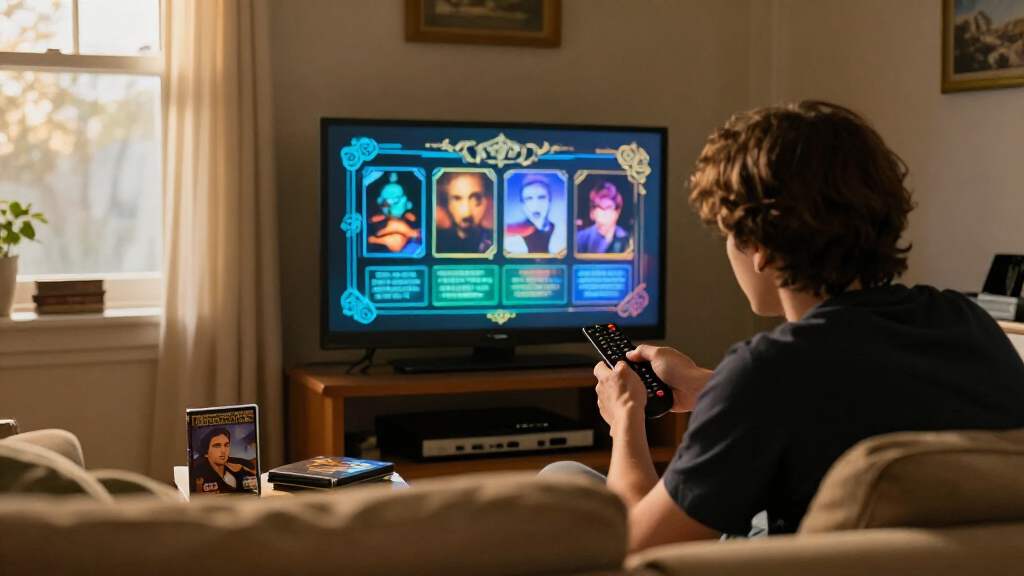
A typical menu might offer play, chapter selection, extras and settings, including language and subtitle options. The report describes designs ranging from a static image with a list of choices to custom animations, story-world (“diegetic”) menus and discs with hidden additions. It also notes a familiar drawback of animated menus: looping video and audio could repeat imperfectly or end abruptly.
The report connects menu design to the format’s technical limits. DVD video commonly uses 720 × 480 pixels in NTSC regions and 720 × 576 in PAL regions, with metadata directing players how to display the image at its intended aspect ratio. Interactive highlights and subtitles use graphic overlays called subpictures, rather than ordinary text. The author says those overlays have a limited four-colour display at a time, while the DVD’s interaction system offers little memory for menu functions.
The report shows that DVD menus were not simply lists of buttons placed on a screen. Designers had to account for different television shapes and older sets that displayed a 4:3 image. According to Vale.Rocks, menus often kept important information inside that area, while using the wider screen space for less essential visual material. The practice persisted on some releases even after widescreen displays became common.
That constraint helps explain why older menus can look conservative or oddly framed on modern screens. It also reflects a broader design challenge of the DVD era: one disc had to work across televisions with different aspect ratios, while offering navigation and extras using limited technical resources. The author’s account makes those menus relevant as both a user interface and a record of how home video adapted to changing display technology.
The report also points to the contrast between technical simplicity and creative ambition. DVD interaction was limited, but publishers still used animation, sound, branching choices and bonus material to give discs a distinct identity. For viewers, menus could become part of the experience of choosing and revisiting a film, rather than a neutral step before playback.
Popular right now

Ninja CREAMi Scoop & Swirl 13-in-1 Ice Cream and Soft Serve Maker, NC701

Shark HydroVac MessMaster Corded Wet/Dry Vacuum, Mop & Self-Clean (WD161)

De'Longhi Magnifica Evo Fully Automatic Espresso Machine with Manual Milk Frother, Silver
As an affiliate, we earn on qualifying purchases.
From VHS to DVD Extras
Compared with VHS, DVD offered a more direct way to select scenes and access additional material. Vale.Rocks describes interactive menus as a genuine improvement over VHS, and says the capabilities of the disc format became more fully used after DVD adoption widened in the 2000s. The report does not claim that every release made use of those features; some discs had no menu or offered only basic navigation.
Aspect-ratio changes affected the presentation of both programmes and menus. The report distinguishes the image’s storage dimensions from its displayed shape: DVD metadata tells a player how to stretch or present the video. During the move from 4:3 televisions to 16:9 sets, releases used approaches such as letterboxing, pan-and-scan and anamorphic widescreen. Menu layouts faced the same changing viewing conditions, including the practice of keeping essential choices within a 4:3-safe zone.
The report singles out Disney’s FastPlay, introduced in 2004, as a recognizable menu feature. It was designed to start a film and selected bonus features automatically, with the option to bypass it for the main menu. The author notes that it could play trailers before the feature, which led some viewers to avoid it. Disney’s EasyFind menus, also described as debuting in 2004, used a consistent set of options and graphics across releases.
““Coming from VHS (or LaserDisc), which had no menus to speak of, this was a genuine improvement.””
— Vale.Rocks report
What the Report Does Not Establish
The source is a retrospective report about DVD menu design, not a survey of the industry. It provides no figures on how many releases used animated menus, 4:3-safe layouts, FastPlay or EasyFind, and it does not compare menu practices across studios. Its descriptions of the format’s development and viewer memories are not accompanied by a separate dataset.
The report also does not give a publication date, identify specific discs for most examples or establish how frequently particular menus still appear in use. The technical and historical details are presented by Vale.Rocks; the material supplied for this article does not include independent verification or comments from DVD publishers. Claims about audience reactions, including viewers avoiding FastPlay, should be read as observations in the report rather than measured findings.
The source does not announce a forthcoming event or follow-up report. Its account instead leaves readers with a way to interpret existing discs: menu layout, aspect-ratio framing, overlays and looping audio can reveal how publishers worked within the capabilities of DVD and the viewing habits of the period.
Whether DVD menus will receive renewed attention through further reporting, preservation projects or audience research is not stated. The report offers no announced next milestone. Its immediate contribution is a technical and design-focused explanation of why a once-routine feature could be memorable, and why older menus may behave or appear differently on present-day equipment.
Key Questions
What is the news about DVD menus?
Vale.Rocks published a report examining how DVD menus were designed, what technical limits shaped them and why features such as animated loops and Disney FastPlay remain recognizable.
The report says menus were designed during a shift from 4:3 televisions to widescreen displays. Keeping essential information inside a 4:3-safe area helped it remain visible on older screens, while wider areas could carry less important imagery.
What was Disney FastPlay?
According to the report, FastPlay debuted in 2004 and was intended to start a film and selected bonus features automatically. Viewers could choose the main menu instead; FastPlay could also play trailers before the feature.
How did DVD menus show button highlights and subtitles?
The report says DVD players used subpictures, graphic overlays that could show menu highlights and subtitles. These were not ordinary text and had limited colour capacity, contributing to the format’s technical constraints.
Source: hn